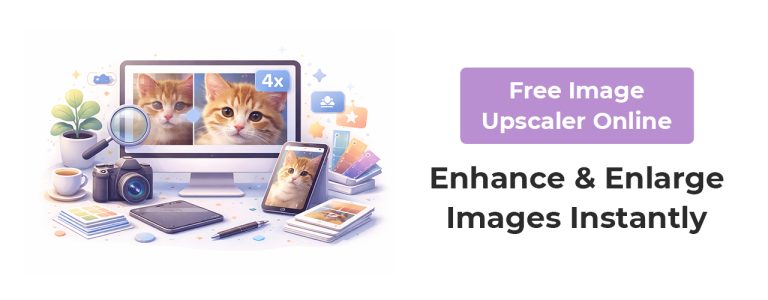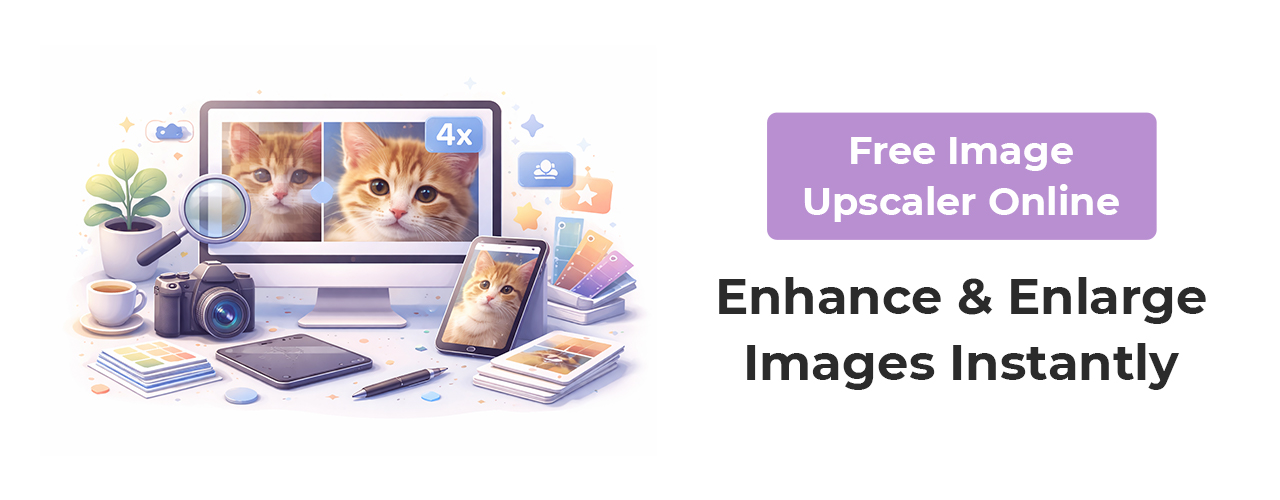
High-quality images are essential for websites, social media, printing, and digital marketing. A free image upscaler online helps you enlarge photos without losing clarity or detail. If you have low-resolution pictures that look blurry or pixelated when zoomed, using an advanced upscaling tool can instantly improve quality and sharpness.
The 51 Shades Image Upscaler is a browser-based tool designed to enhance images quickly, safely, and completely free. It allows users to upscale images up to 8× their original size while keeping edges smooth and details sharp.
What Is an Image Upscaler?
An image upscaler is an online tool that enlarges photos using intelligent processing instead of simple stretching. Traditional resizing makes images blurry, but modern upscaling technology increases size while preserving quality and texture.
Low-resolution images often appear pixelated when zoomed or printed, and an upscaler solves this problem by improving detail while enlarging the image.
Why Use a Free Online Image Upscaler
Using a free browser-based tool is easier and faster than installing heavy software. Online upscalers are ideal for beginners, designers, marketers, and businesses.
Main benefits:
- Improve image clarity instantly
- Enlarge images without blur
- Prepare photos for print
- Enhance social media visuals
- Restore old or small pictures
The tool processes images directly on your device, which keeps files private and secure.
How to Upscale an Image Online
You don’t need editing skills or professional software. The process is simple and takes only seconds:
- Upload your image file
- Select upscale level (2×, 4×, or 8×)
- Click upscale
- Download the enhanced image
This entire process works inside your browser with no technical knowledge required.
Key Features of the 51 Shades Image Upscaler
A good upscaling tool should be fast, simple, and reliable. This tool provides several powerful features:
- 100% free with no watermark
- No registration required
- Supports JPG, PNG, WEBP, BMP, GIF, TIFF
- Smart smoothing to reduce pixelation
- Works on mobile, tablet, and desktop
- Fast processing without server uploads
These features make it suitable for both casual users and professionals.
Best Use Cases for Image Upscaling
Image upscalers are useful across many industries and creative fields. Common use cases include:
- E-commerce product photos
- Portfolio images
- Marketing graphics
- Posters and banners
- YouTube thumbnails
- AI-generated artwork
The tool helps ensure every image looks crisp and professional for digital or print use.
Who Should Use an Image Upscaler?
This type of tool is helpful for:
- Graphic designers
- Photographers
- Social media managers
- Bloggers
- Digital marketers
- Online sellers
Anyone who works with images can benefit from improving resolution quickly and easily.
Why Choose a Browser-Based Upscaler Instead of Software
Traditional editing software requires installation, storage space, and technical skills. A browser tool eliminates those barriers.
Advantages:
- No download required
- Works instantly
- Compatible with all devices
- Beginner-friendly interface
- Secure local processing
Online tools make high-quality image enhancement accessible to everyone.
Conclusion
A free image upscaler online is one of the easiest ways to improve image quality without design skills or expensive software. Whether you need sharper photos for social media, marketing, or print, an intelligent upscaling tool ensures your visuals look professional and clear.
The 51 Shades Image Upscaler provides a fast, secure, and simple solution to enlarge images while preserving quality, making it an ideal tool for creators, businesses, and designers who want instant results.